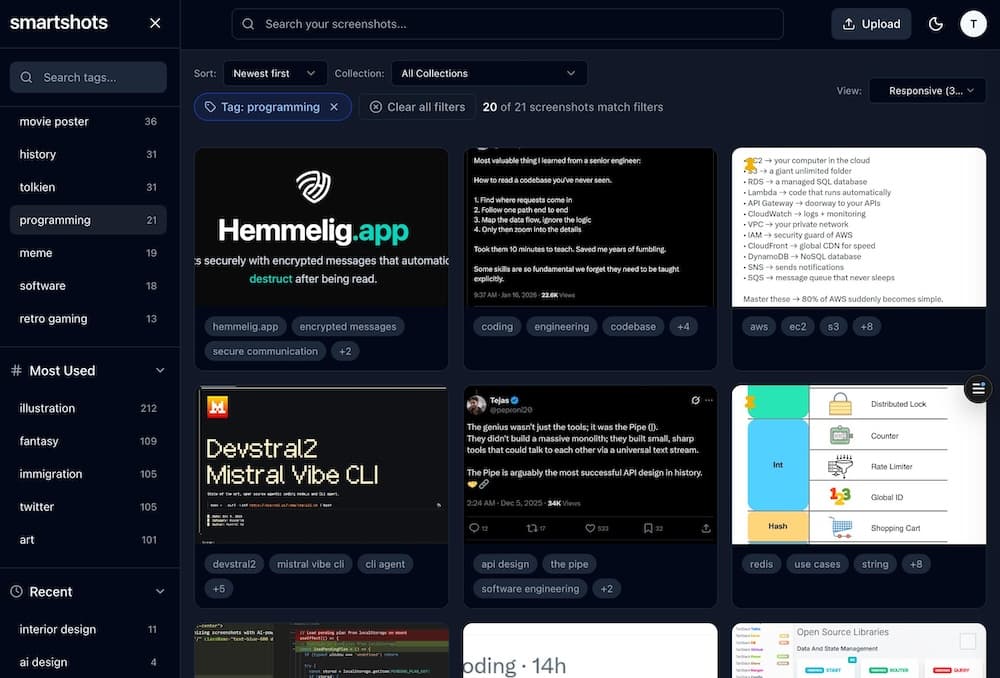
Automated, intelligent screenshots
with AI Power
SmartShots AI automatically analyzes your screenshots, extracts text, categorizes content, and organizes your visual data intelligently.
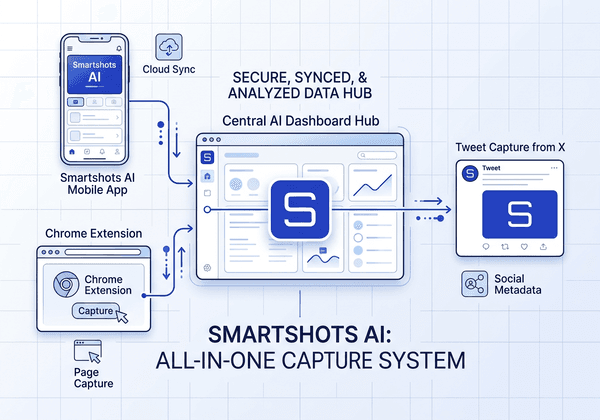
An integrated suite
Capture screenshots from anywhere—Chrome extension, SmartShots Mobile, desktop utility, or web upload— and let our AI process them instantly. All your visual data, organized intelligently in one unified dashboard.
Multi-Platform Capture
Chrome extension, desktop utility, SmartShots Mobile, or web upload—capture from anywhere
AI Processing
Automatic text extraction, categorization, and intelligent tagging
Unified Dashboard
Search, organize, and manage all your screenshots in one place
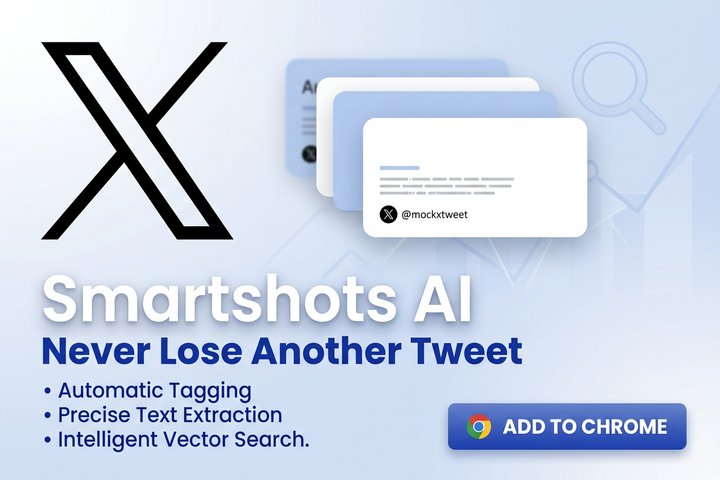
Twitter Chrome Extension Features
- Right-click capture directly from X/Twitter posts and images
- Auto OCR extraction of tweet text and on-image content
- Source URL and context metadata saved with each screenshot
- Automatic AI tags and categories for fast retrieval
- Instant cloud sync into your SmartShots dashboard
Multi-platform comprehensive management
Everything you need to manage, analyze, and organize your screenshots with the power of AI.
Chrome Extension Integration
Seamlessly capture and process screenshots directly from your browser with our Chrome extension.
SmartShots Mobile
Install SmartShots to your home screen on iOS or Android to upload, review, tag, and manage screenshots from your phone.
Desktop App
Automatically sync screenshots from your desktop with a dedicated app built for seamless capture and upload.
The Convenient Utility App For Your Screenshots
SmartShots AI was created to solve the common problem of managing and organizing screenshots across different platforms and devices. Our AI-powered approach makes it easy to find what you're looking for, when you need it.
Whether you're a developer documenting bugs, a designer collecting inspiration, or a professional managing digital assets, SmartShots AI adapts to your workflow.